Practical guide
How to Scan a Sneaker Barcode or QR Code
Find a shoe or shoebox label, scan its barcode or QR code, and compare the returned style details while recognizing the limits of label evidence.
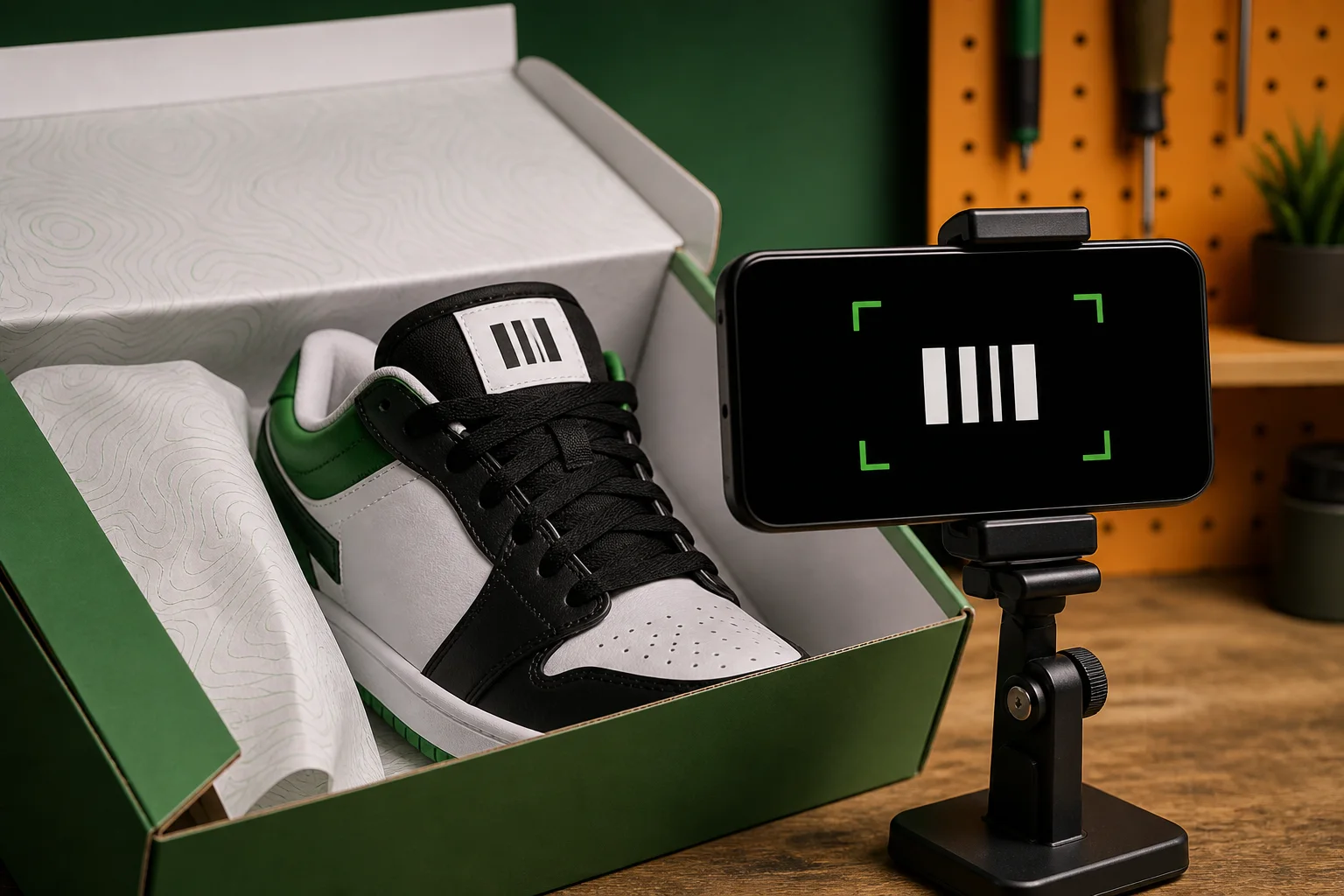
To scan a sneaker barcode or QR code, find the label inside the shoe or on its matching box, flatten it under even light, fill the camera frame with the complete code, and compare the returned model details with the physical pair. A successful scan identifies label data; it does not prove authenticity.
Codes are useful because they can connect an unlabeled listing or unfamiliar pair to a style code, size, or product reference. They are also easy to misunderstand. Placement and format vary, damaged labels may not read, and copied or switched labels can return plausible information for the wrong item.
Review the SneakerLens feature evidence before applying this workflow to your own pair.
Choose the right label
Look first on the inside tongue or size label, then on the label attached to the matching shoebox. Some shoes place information along the lining, insole area, or another brand-specific location. Use the code associated with the actual pair, not a barcode copied from a product image online.
Compare the shoe and box labels before scanning. Size, style code, and color information should describe the same release. If the box belongs to another pair, its code can produce a correct result that is still irrelevant to the shoe in front of you.
Prepare the code and camera
Smooth the label without damaging it and move to soft, even light. Tilt the shoe or box to remove glare, wipe dirt from the surface, and keep all four edges of the code visible. A sharp code at a modest distance is usually more useful than a blurry close-up.
Allow camera access when you want to scan. If access was declined, review the SneakerLens permission in iOS Settings. Hold the phone parallel to the label and avoid covering the code with a finger, lace, or shadow.
Scan and read the returned details
Open the barcode scanner and hold the frame steady while it reads. There is no need to move rapidly back and forth. If the code does not resolve, change the angle, increase light, pull back slightly, or try the matching box label rather than repeatedly scanning a blurred view.
When a result appears, compare its style code, model, colorway, and size with the label and shoe. SneakerLens helps bring those details into one review, but the useful action is the comparison—not the beep or successful camera read by itself.
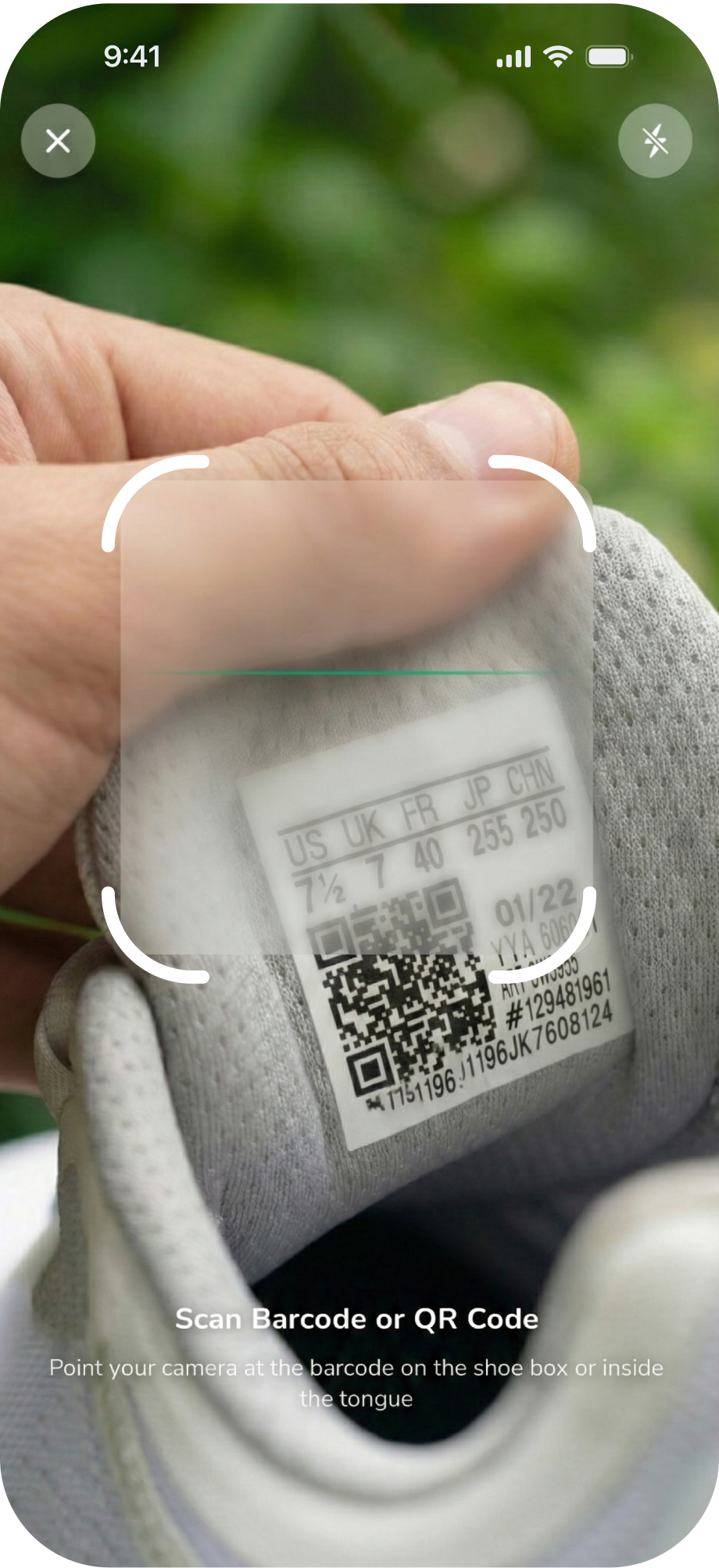
Investigate failures and mismatches
A failed read can come from wear, folds, glare, low contrast, a partial code, or a format the camera cannot resolve. Record the printed style information manually and search that exact reference through another reliable source. Do not invent missing digits or accept the closest-looking result.
A mismatch between shoe, box, and returned details is a warning that needs more investigation. Recheck that you scanned the correct label, compare construction and materials, ask the seller for provenance, and consider professional help when the pair is valuable. Matching data is useful evidence, but it is not a certificate.
Step by step
Find the label
Locate the code on the shoe's size label or the matching shoebox label.
Give the camera enough light
Flatten the label, avoid glare, and keep every edge of the code in frame.
Scan the code
Open SneakerLens's barcode scanner and hold the phone steady until it reads.
Compare the returned details
Check the style code, size, model, and colorway against the shoe and box.
Investigate a mismatch
Treat mismatched labels as a warning and verify through another source.
Questions about this guide
Keep the evidence with the pair
Save identification, value, history, and collection details so you can review what changed and what still needs verification.
Open SneakerLens on the App Store