Photo identification
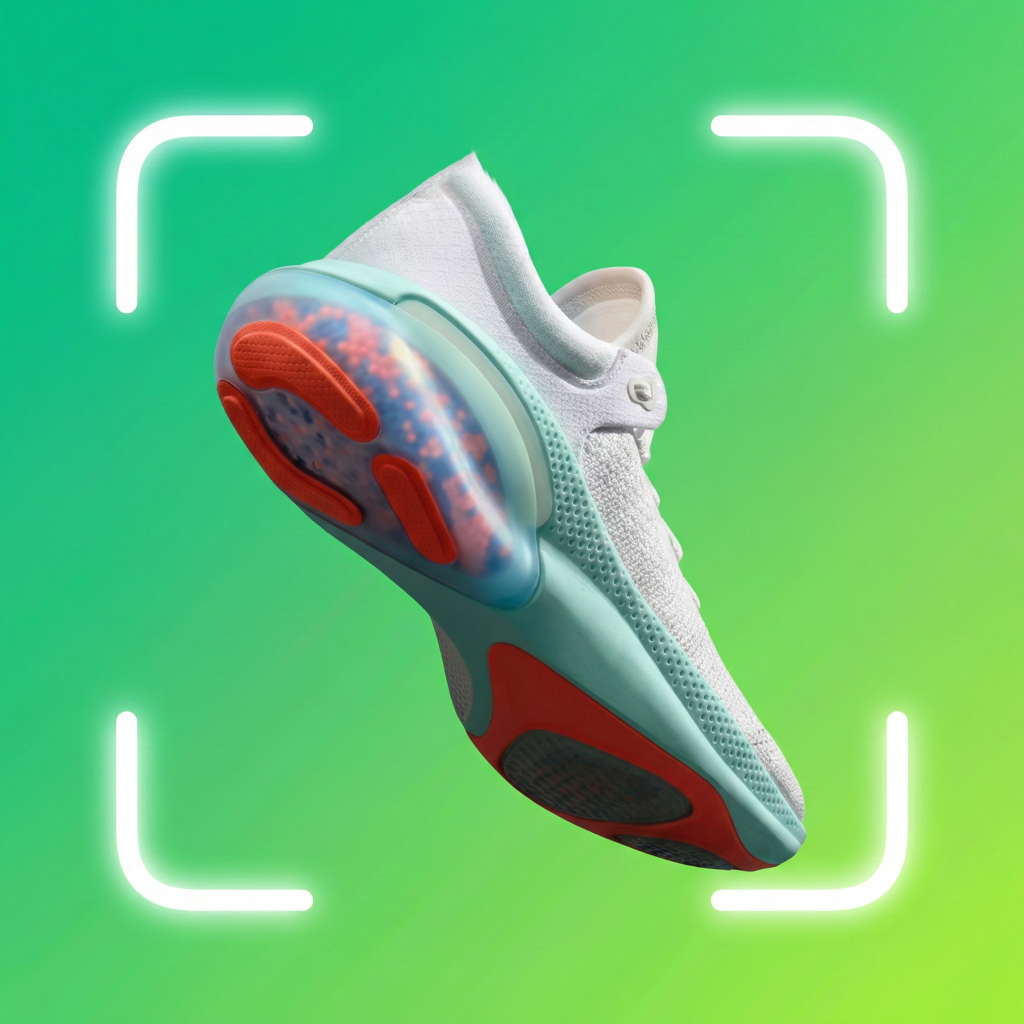
See a suggested sneaker model, colorway, release details, and confidence level from an image.
SneakerLens for iPhone and iPad
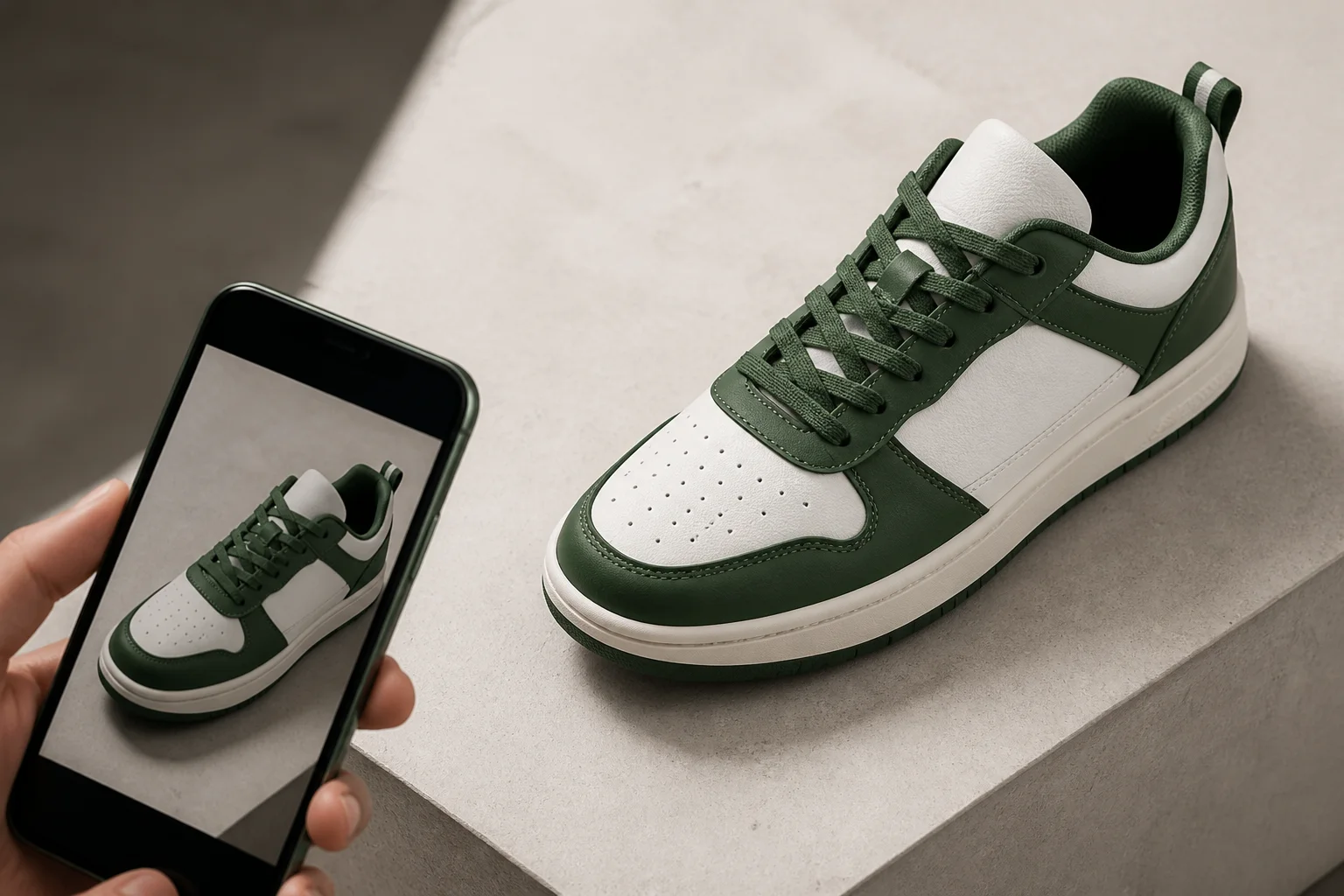
Photograph a pair or choose an image to get a suggested model, colorway, release details, confidence, and estimated resale range. Save the result and keep your collection in one place.
Free to download. In-app purchases available.
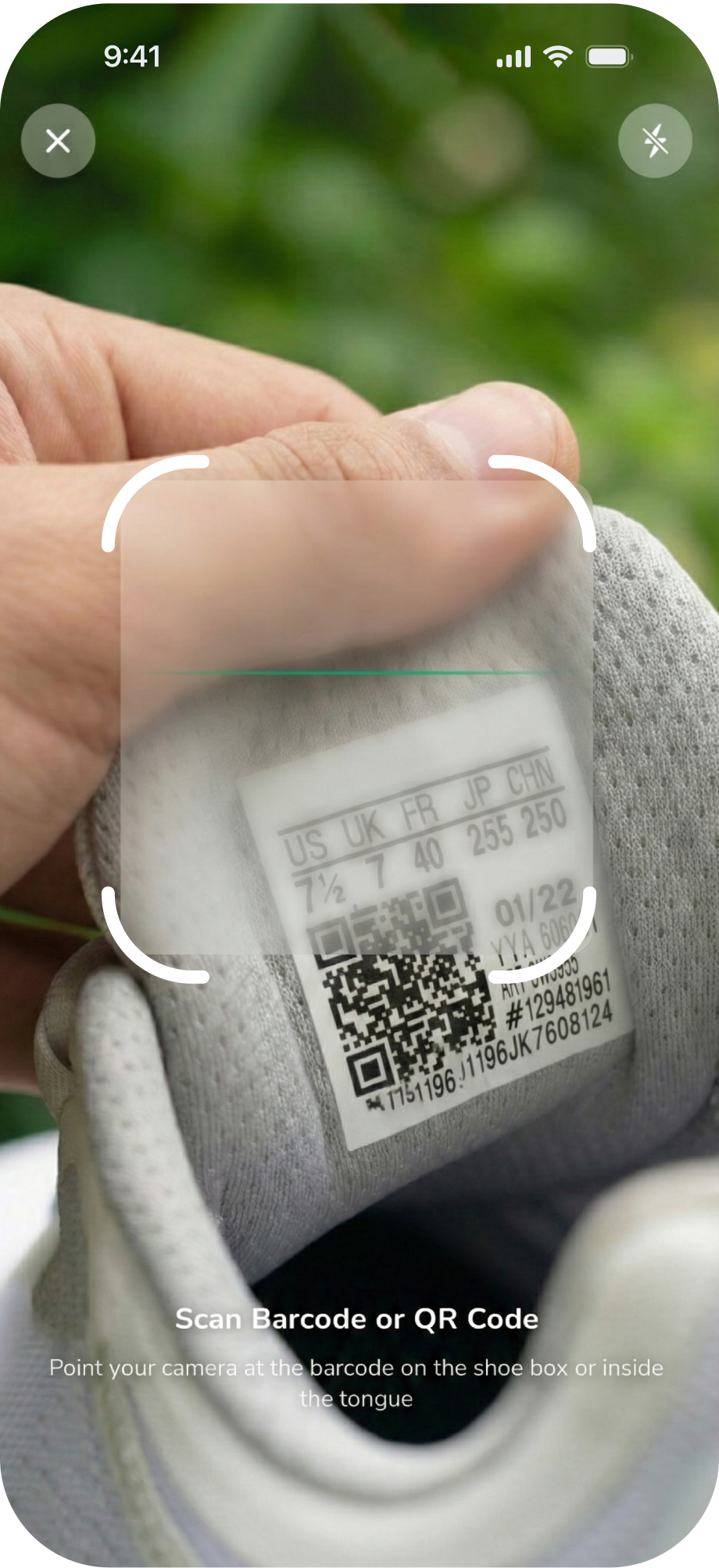
SneakerLens keeps the flow focused: capture the pair, inspect the suggested match, then decide what belongs in your collection.
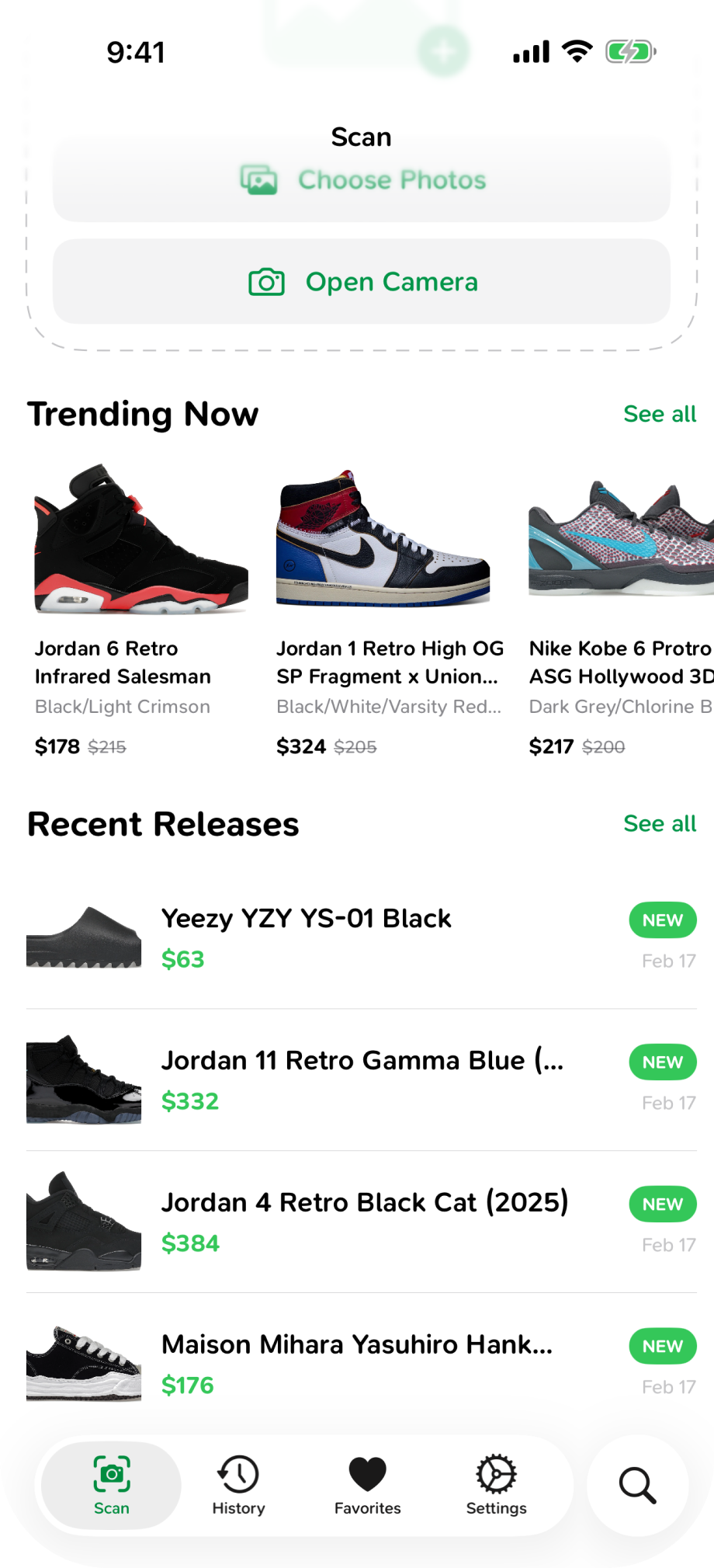
Take a new photo or choose an image from your library. A clear side view gives the app more useful visual detail to compare.
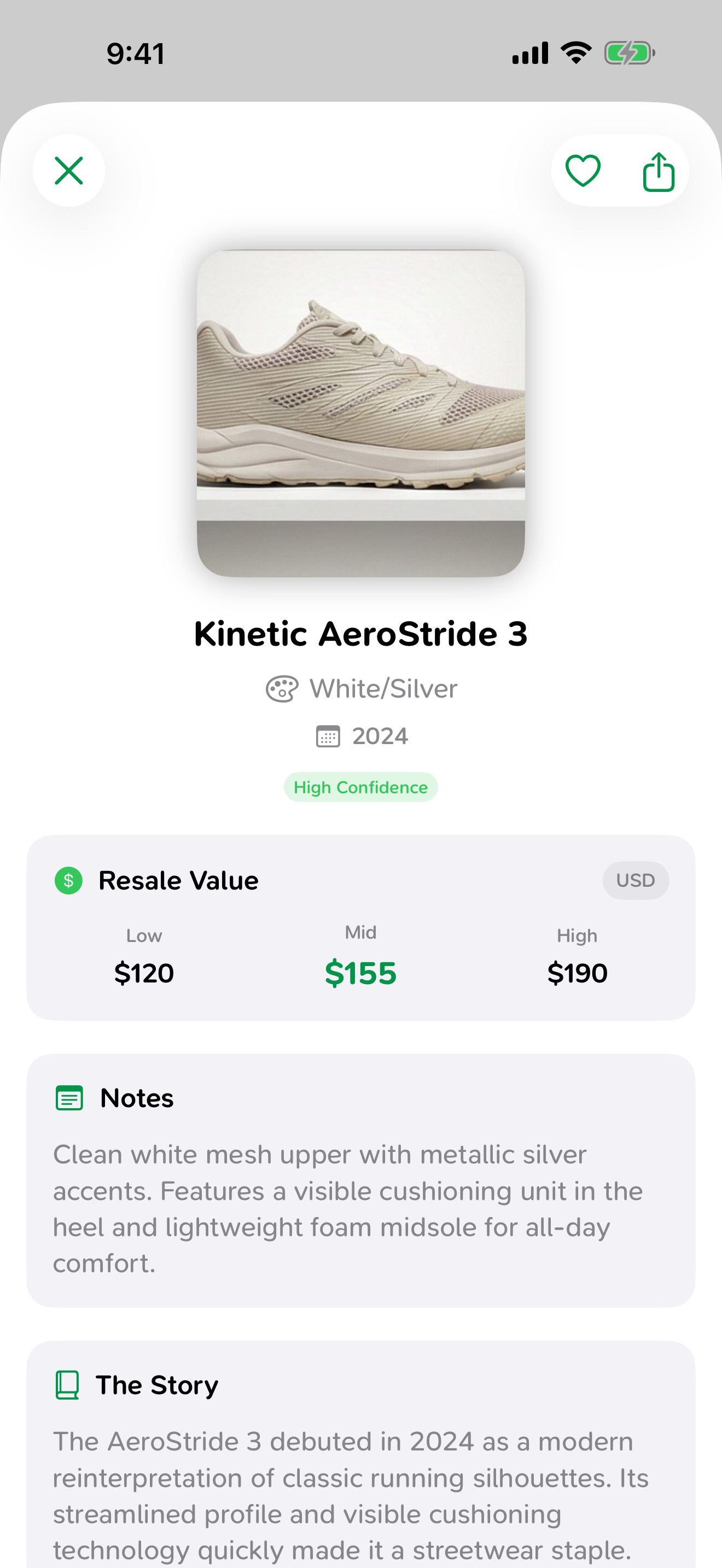
Check the suggested model, colorway, release information, confidence level, and estimated resale range against the pair in front of you.
Keep the result in history, add it to your collection, share it, or use the details as a starting point for further research.
Each capability below is grounded in the current app experience. Estimates and guidance are useful inputs, not guarantees.
See a suggested sneaker model, colorway, release details, and confidence level from an image.
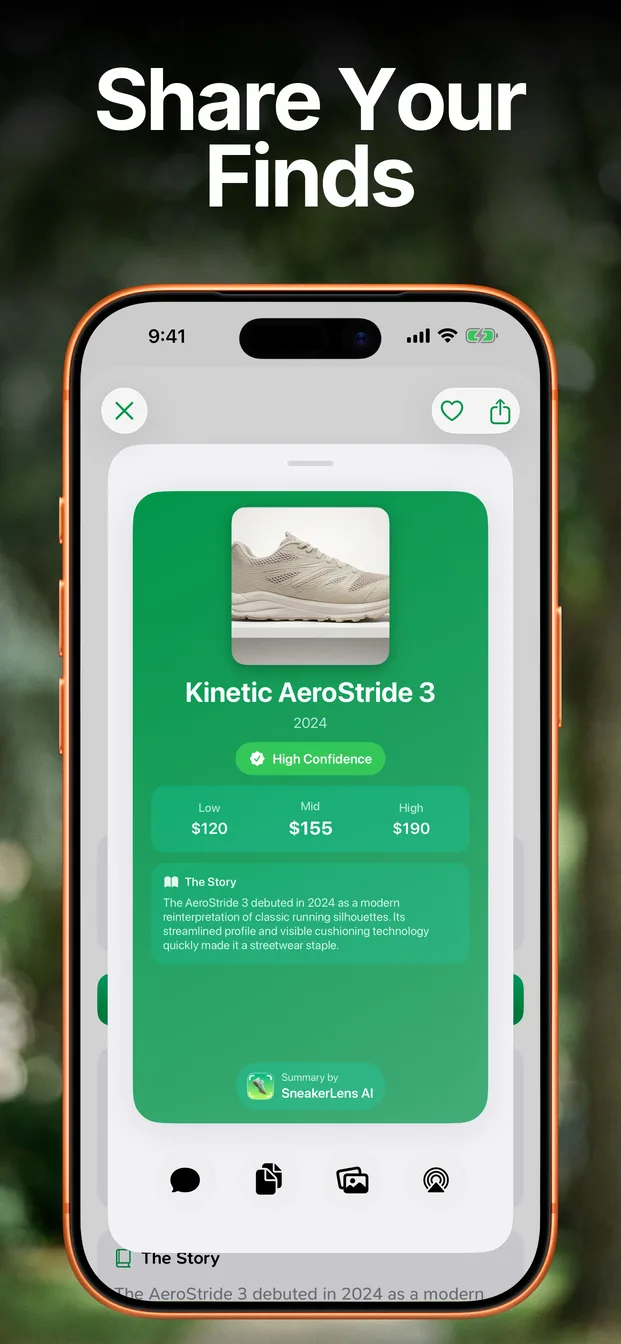
Compare low, middle, and high estimates, then continue to listed marketplaces for current evidence.
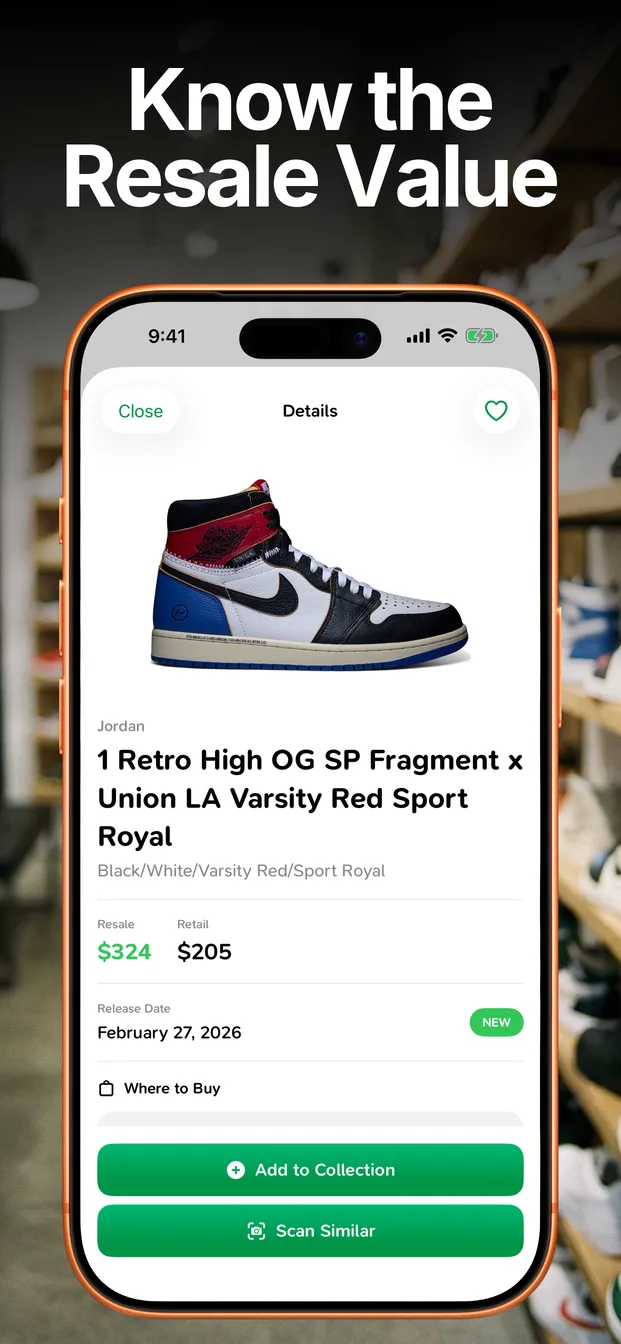
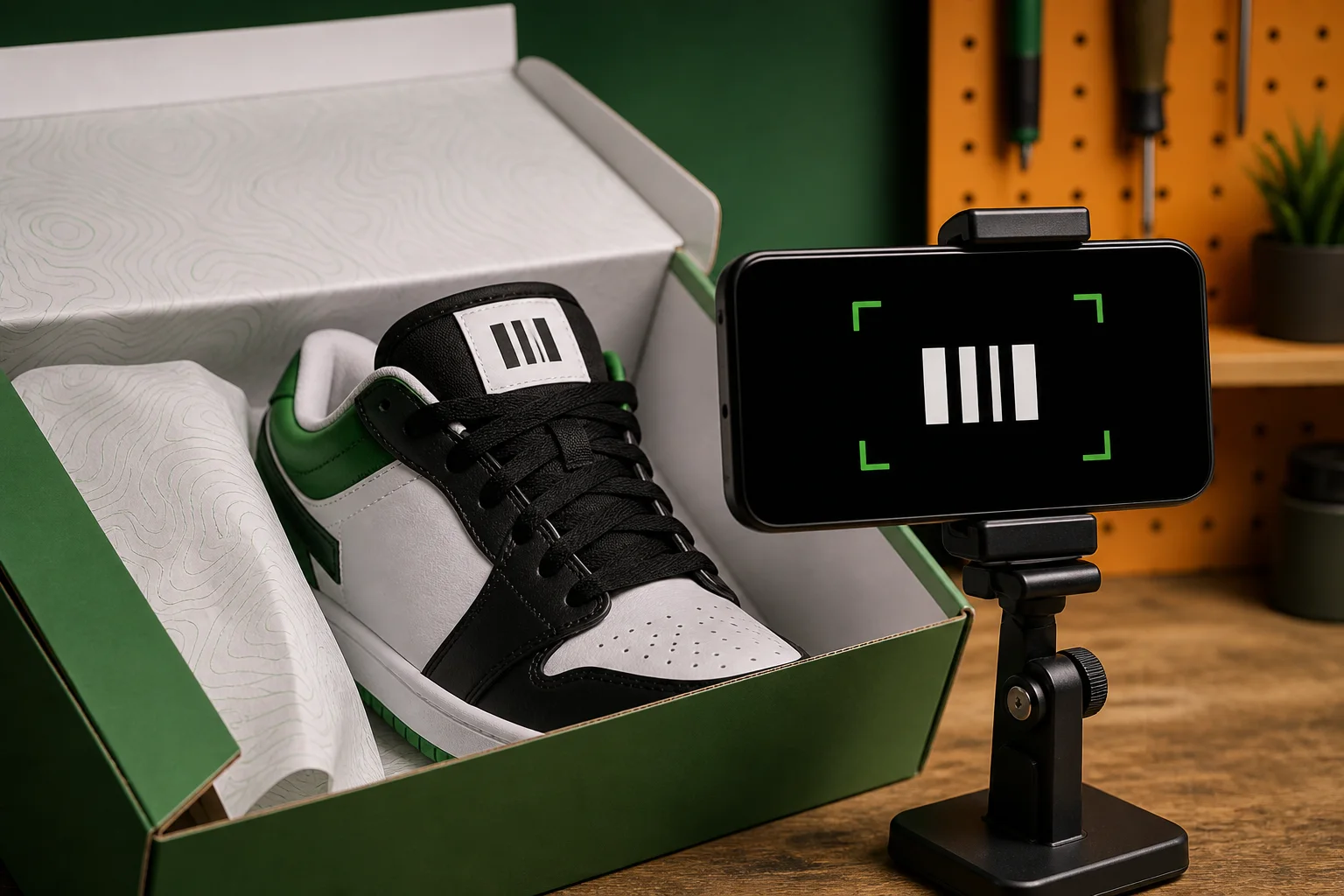
Read a shoe label code and review comparison guidance. A barcode match does not prove authenticity.
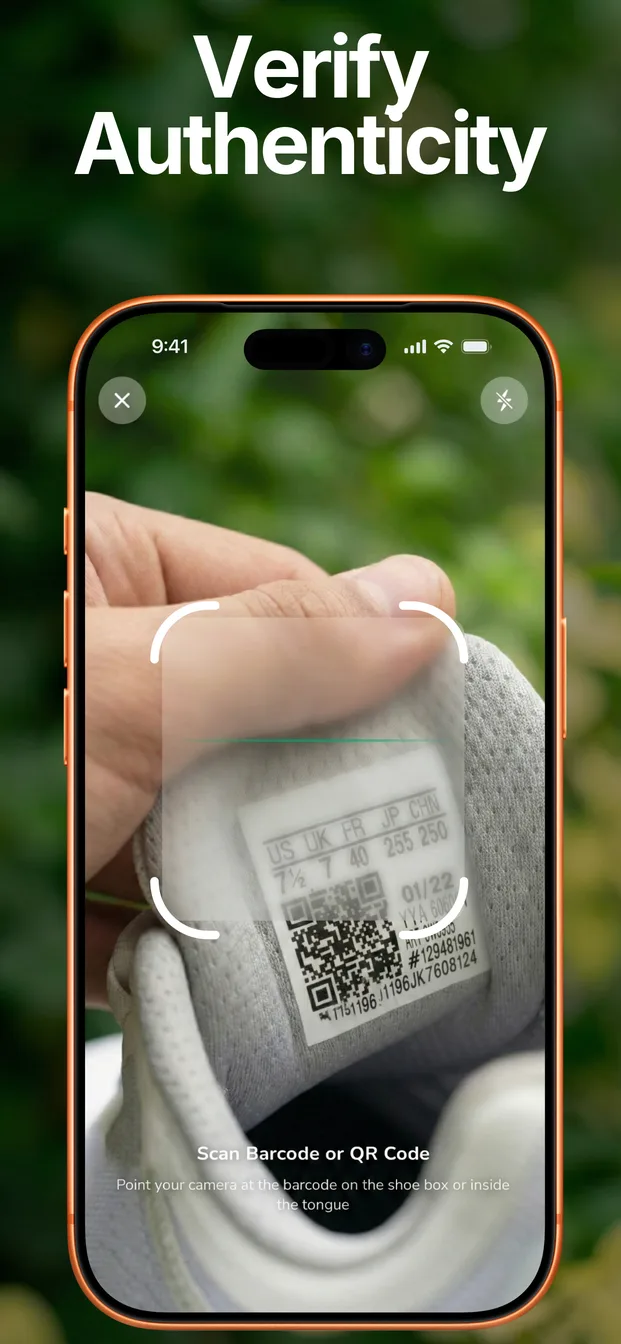
Browse trending pairs and upcoming releases when you want to explore beyond a single scan.
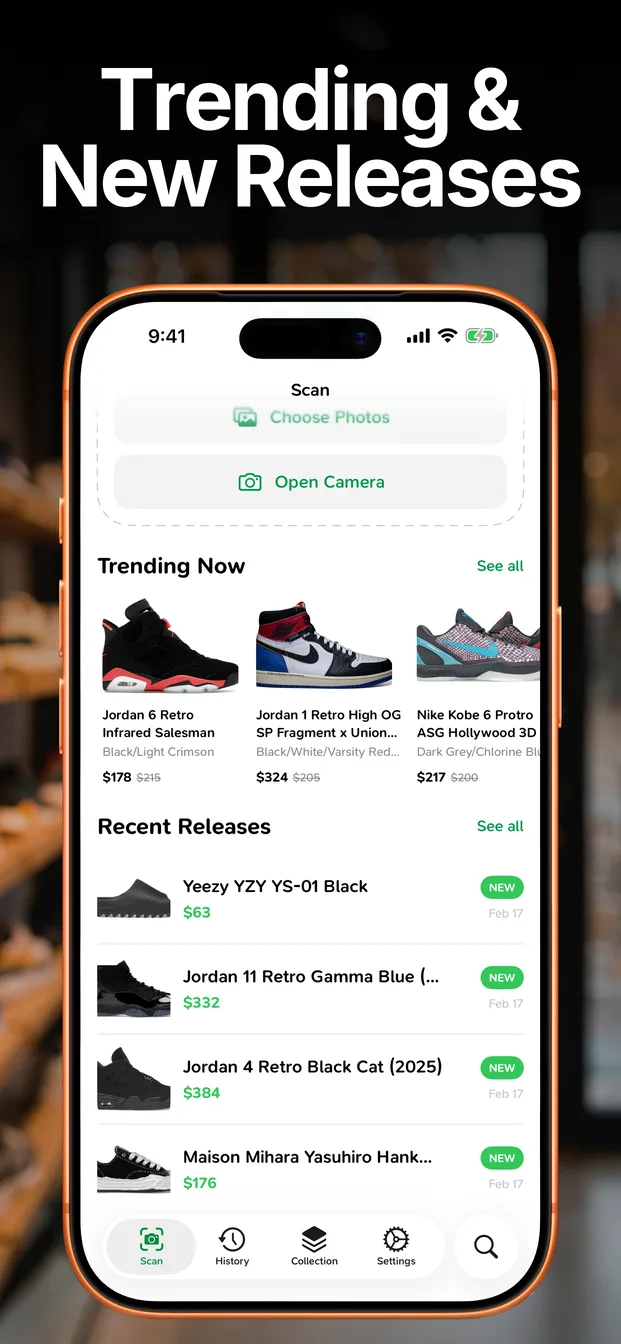
Return to earlier identifications and share an individual result when you need a second opinion.
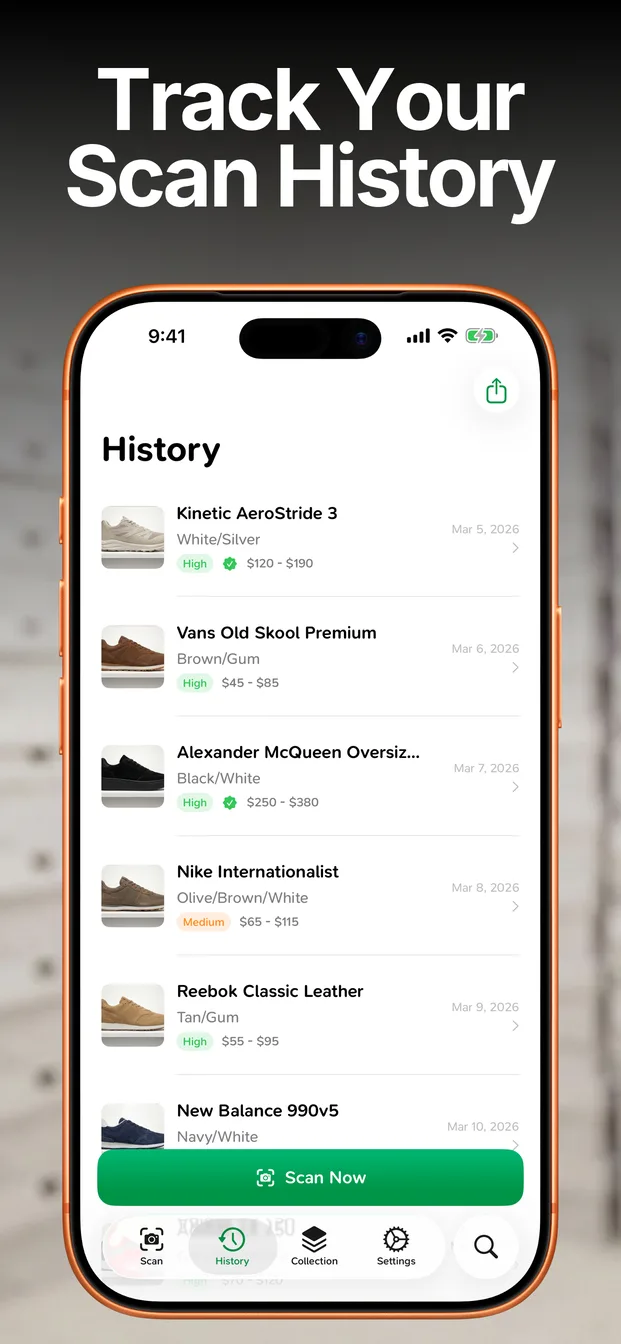
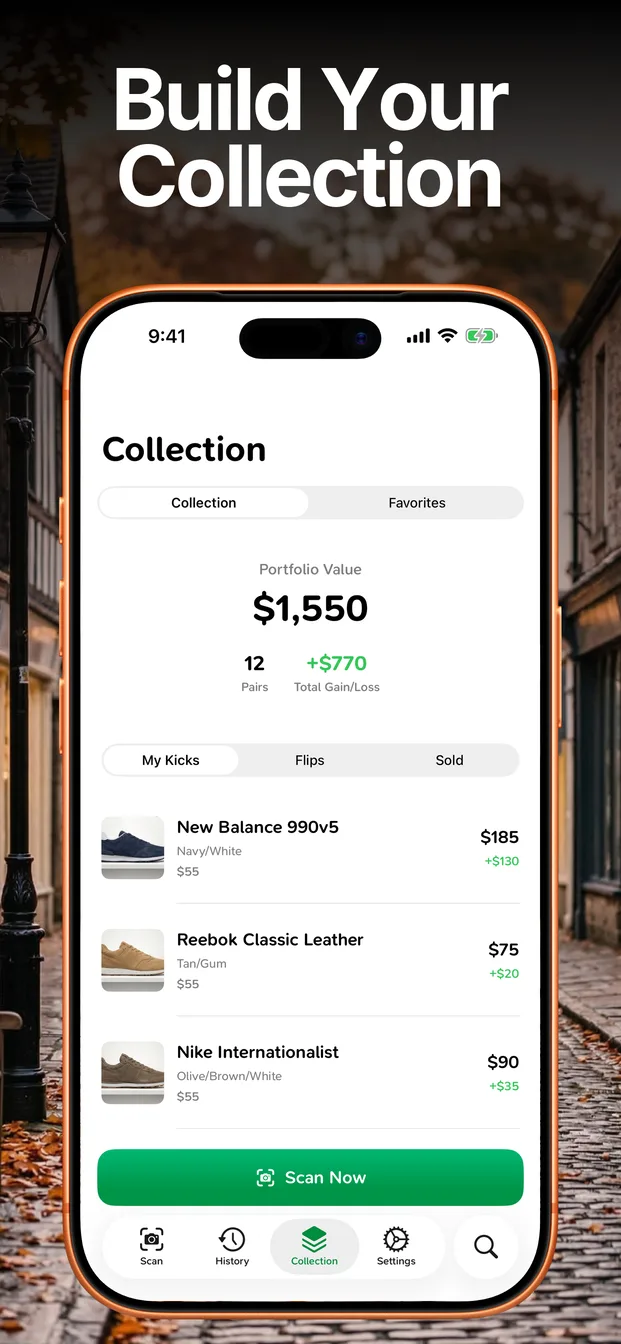
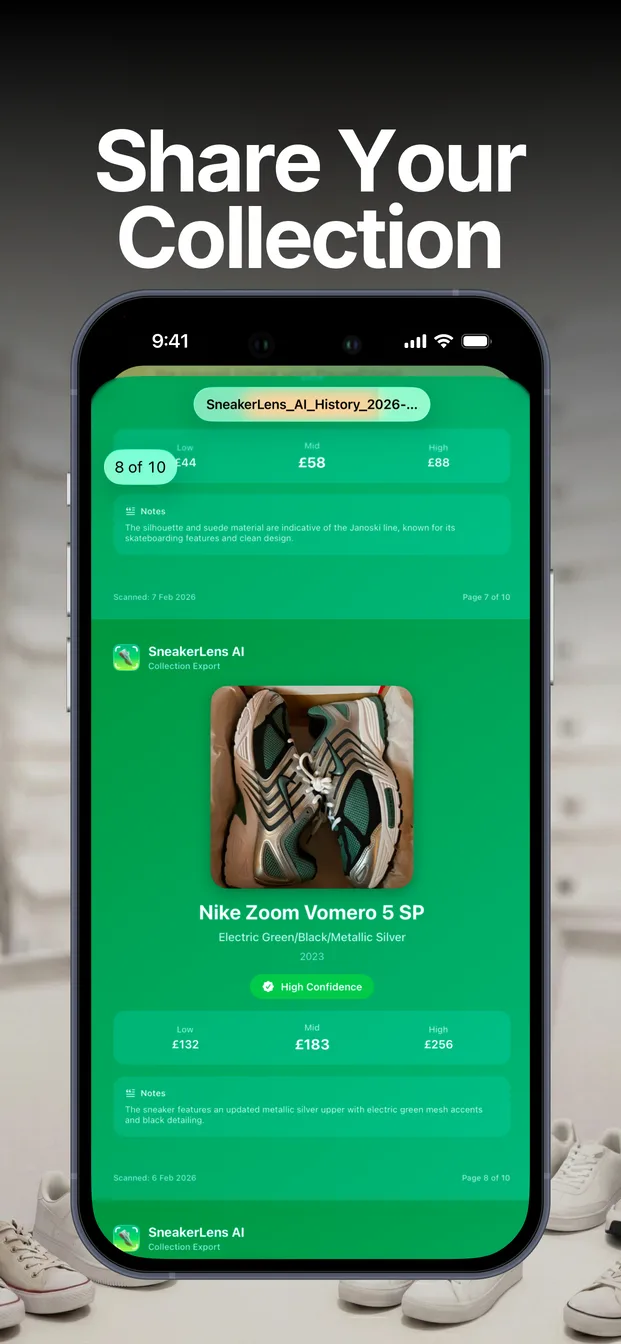
Record costs, follow estimated portfolio value, and export a collection snapshot as a PDF.
Browse the current App Store screens from identification through collection export.
Learn how to identify a pair, check the evidence around authenticity, estimate value, and keep a useful collection record.
Straight answers about identification, value estimates, authenticity guidance, subscriptions, and device support.
Available on the App Store
Download SneakerLens to identify a pair, review value estimates, and keep your sneaker records together.
US App Store pricing
Prices shown are from the US App Store. Apple may display different prices in other regions.
Subscriptions are managed and can be cancelled in Apple account settings.