Practical guide
How to Identify Sneakers From a Picture
Learn how to photograph a sneaker, read an identification result, and cross-check the model, colorway, style code, and confidence.
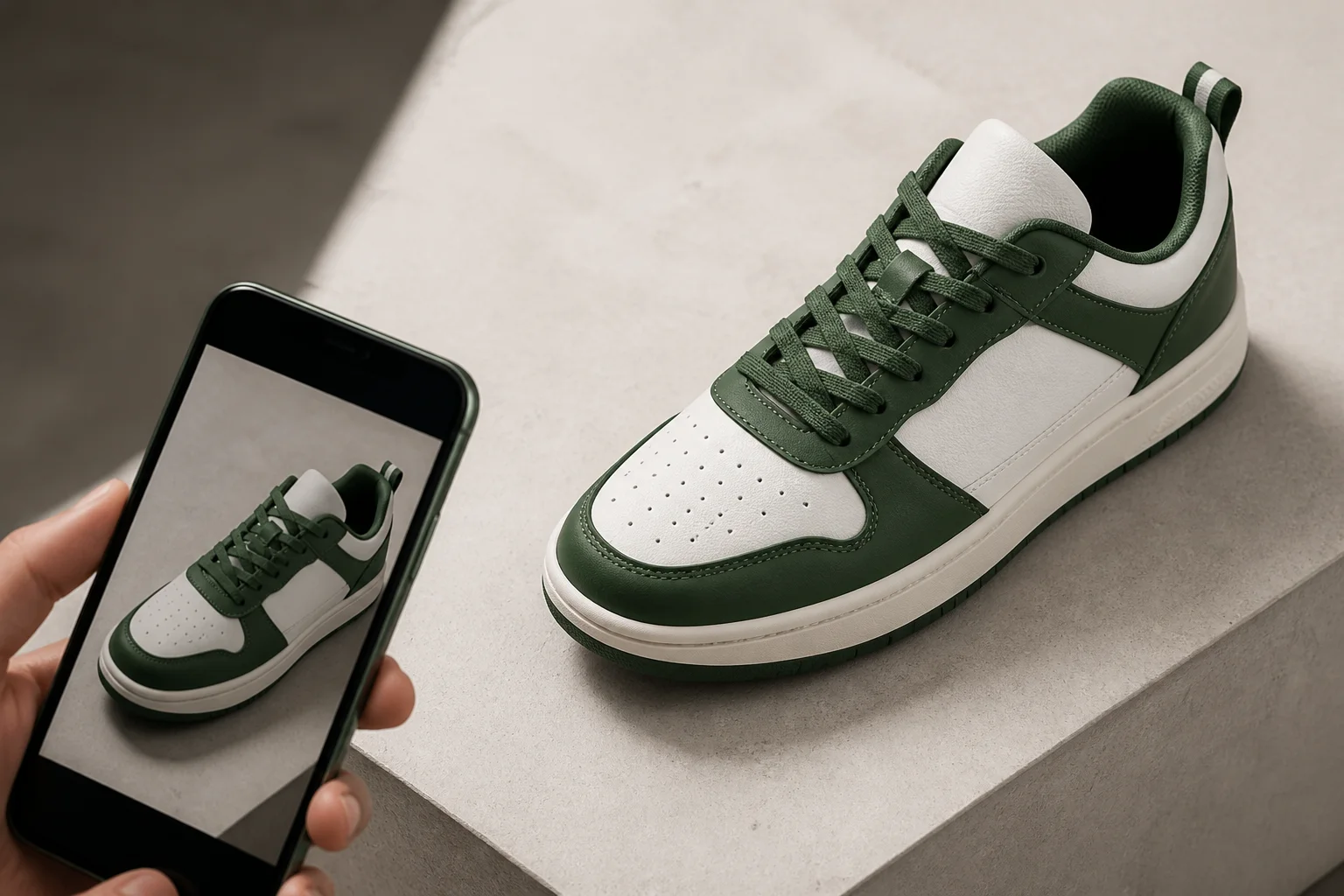
To identify sneakers from a picture, start with a sharp full-side photo, run it through a sneaker identifier, then compare the suggested model and colorway with the shoe's label and construction. A result is a useful lead, not proof: similar releases can share shapes and colors, so the final cross-check matters.
This workflow helps when a pair has no box or a listing uses a vague title. SneakerLens can suggest a brand, model, colorway, release information, confidence level, and estimated value when those details are available. You still decide whether the visible evidence agrees with the suggestion.
See how photo identification works before applying this workflow to your own pair.
Start with a useful sneaker photo
Place the sneaker against a plain background and photograph the complete lateral side profile. Keep the toe, heel, sole, and collar inside the frame. Even daylight or soft indoor light makes panel boundaries and materials easier to read; direct flash can flatten texture or create glare on leather and reflective parts.
Hold the camera steady and tap the shoe to set focus. Avoid a distant photo, heavy digital zoom, filters, or a pile of overlapping shoes. If the first result is uncertain, take extra views of the medial side, outsole, heel, tongue, and size label. Those views give you evidence for the manual comparison that follows.
Run a photo through a sneaker identifier
Open SneakerLens and either take a new picture or choose one from the photo library. Camera and photo access stay under the permissions you grant in iOS; if access is denied, change it in Settings or use the available input that you did allow. Submit one clear shoe rather than a collage of several pairs.
Wait for the result to finish without assuming a fixed response time. Network conditions and image complexity can vary. If no useful match appears, improve the crop and lighting before trying another angle. Repeating the same blurred frame is less useful than supplying a clearer view of the sneaker's overall shape.
Read the model, colorway, and confidence together
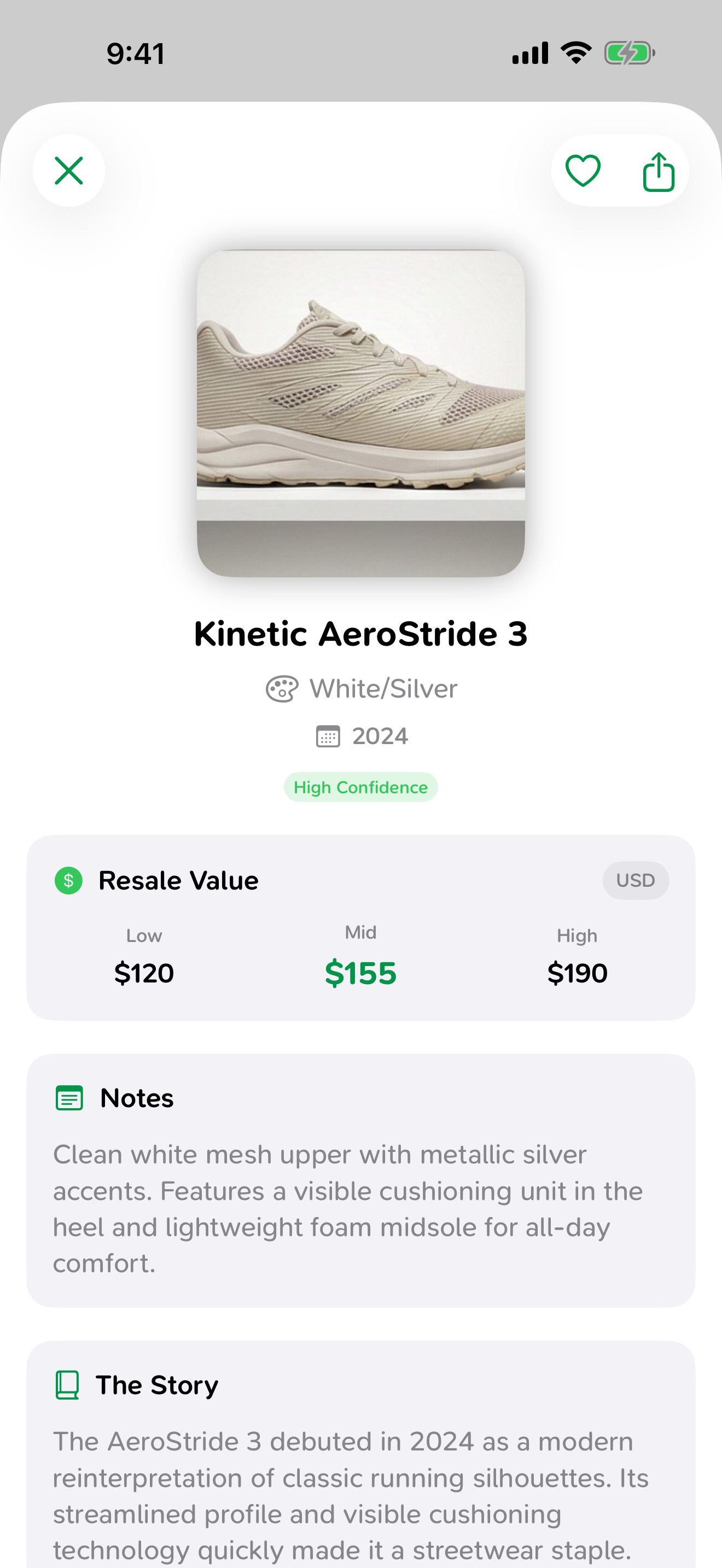
Treat the suggested brand, model, and colorway as one combined hypothesis. The model family may look right while the exact edition is wrong, especially when releases reuse the same upper with small color or material changes. Release year and descriptive color names help separate nearby variants.
Confidence indicates how strongly the photo supports the suggestion; it is not a guarantee of identity, condition, authenticity, or value. Use SneakerLens to compare a clear photo with its suggested brand, model, colorway, release year, confidence, and estimated value, then keep checking details before a high-stakes purchase or sale.
Cross-check the style code and physical details
Find the style code on the tongue or size label and search for that exact code through a reliable reference. Compare the expected release year, official color description, size range, and product photographs. A code that points to another model is a reason to stop and investigate, but a matching label alone can also be copied or switched.
Move from the label to the shoe itself. Compare panel placement, material texture, stitching routes, eyelets, tongue shape, heel construction, outsole pattern, and included accessories. Normal wear and manufacturing variation can explain small differences. Several unexplained mismatches are more meaningful than one imperfect stitch.
Save the result for later
Keep a useful scan in history or favorites so you can return to the suggested details without recreating the search. Sharing an individual result can help a seller, buyer, or collector discuss the same proposed model, but include your own photos and note anything that remains uncertain.
A saved record is also a good starting point for collection tracking. Add purchase cost and condition only when you know them, and revisit any value estimate before making a decision because market evidence changes. The strongest record separates what the app suggested from what you independently confirmed.
Questions about this guide
Keep the evidence with the pair
Save identification, value, history, and collection details so you can review what changed and what still needs verification.
Open SneakerLens on the App Store